





Yoop - File Sharing Reimagined

Designing a bold, modern landing page for an open-source cross-platform file sharing CLI tool that keeps data on your local network.

Services

Web Design & Development

Industry

Developer Tools / Open Source

Type

Client Project

Status

Completed

Project Overview

Yoop Is An Open-Source CLI Tool For Peer-To-Peer File Transfers Over Local Networks No Cloud, No Accounts, Just Simple 4-Character Codes. While The Tool Itself Was Technically Impressive, Its Online Presence Didn't Match Its Capabilities. Eravue Designed A Website That Translates Yoop's Technical Strengths Into Visual Impact: From Terminal-Style UI Mockups And Tabbed Package Manager Installations To A Bold Lime-Green Identity That Stands Out In The Developer Tool Space. The Result Is A Landing Page That Educates, Converts, And Drives GitHub Engagement For This Privacy-First File Sharing Solution.

Challenges & Solutions

Every successful project starts with understanding the real challenges. Here's how we tackled each obstacle with strategic, targeted solutions that drive results.

Project Discussion

Visual Gallery

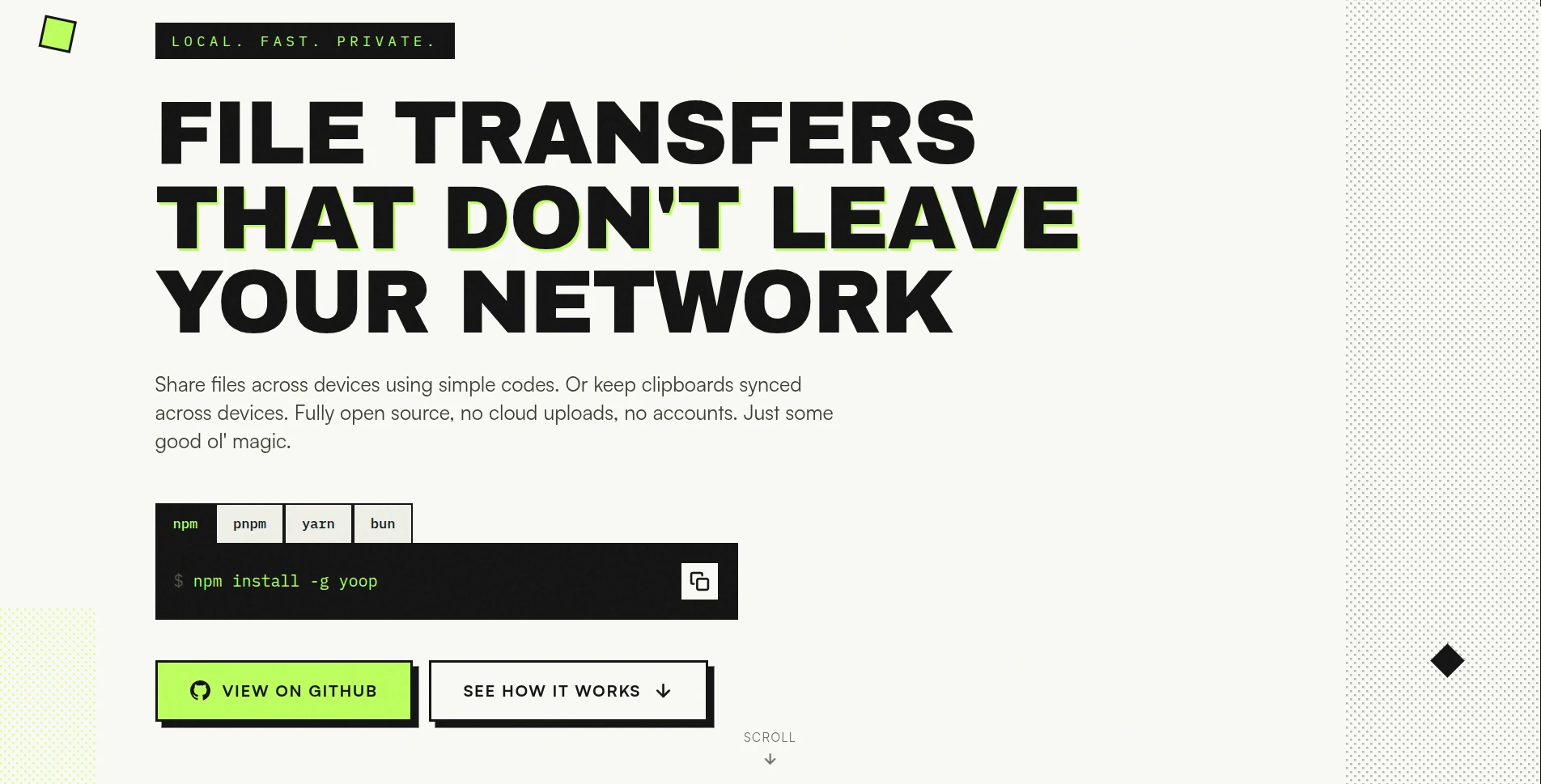
Yoop hero section with bold typography and package manager tabs
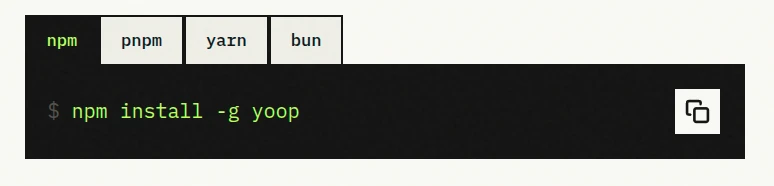
Interactive npm, pnpm, yarn, bun installation tabs
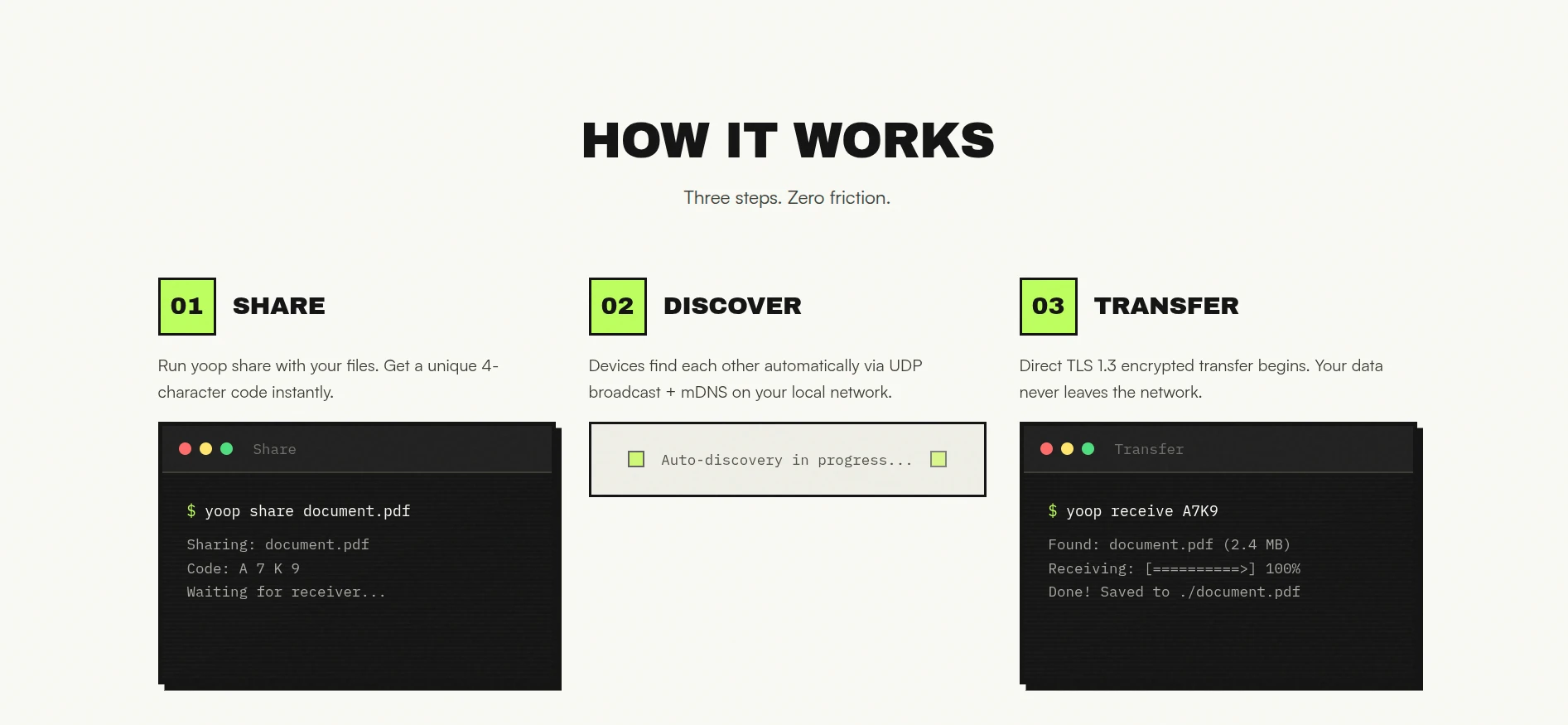
How It Works three-step diagram - Share, Discover, Transfer
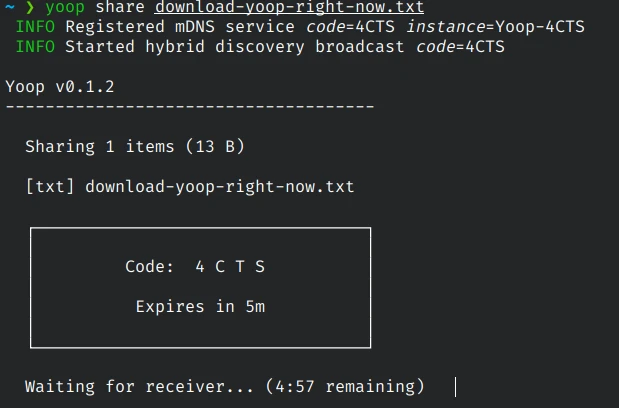
Terminal mockup showing Yoop share command with 4-character code
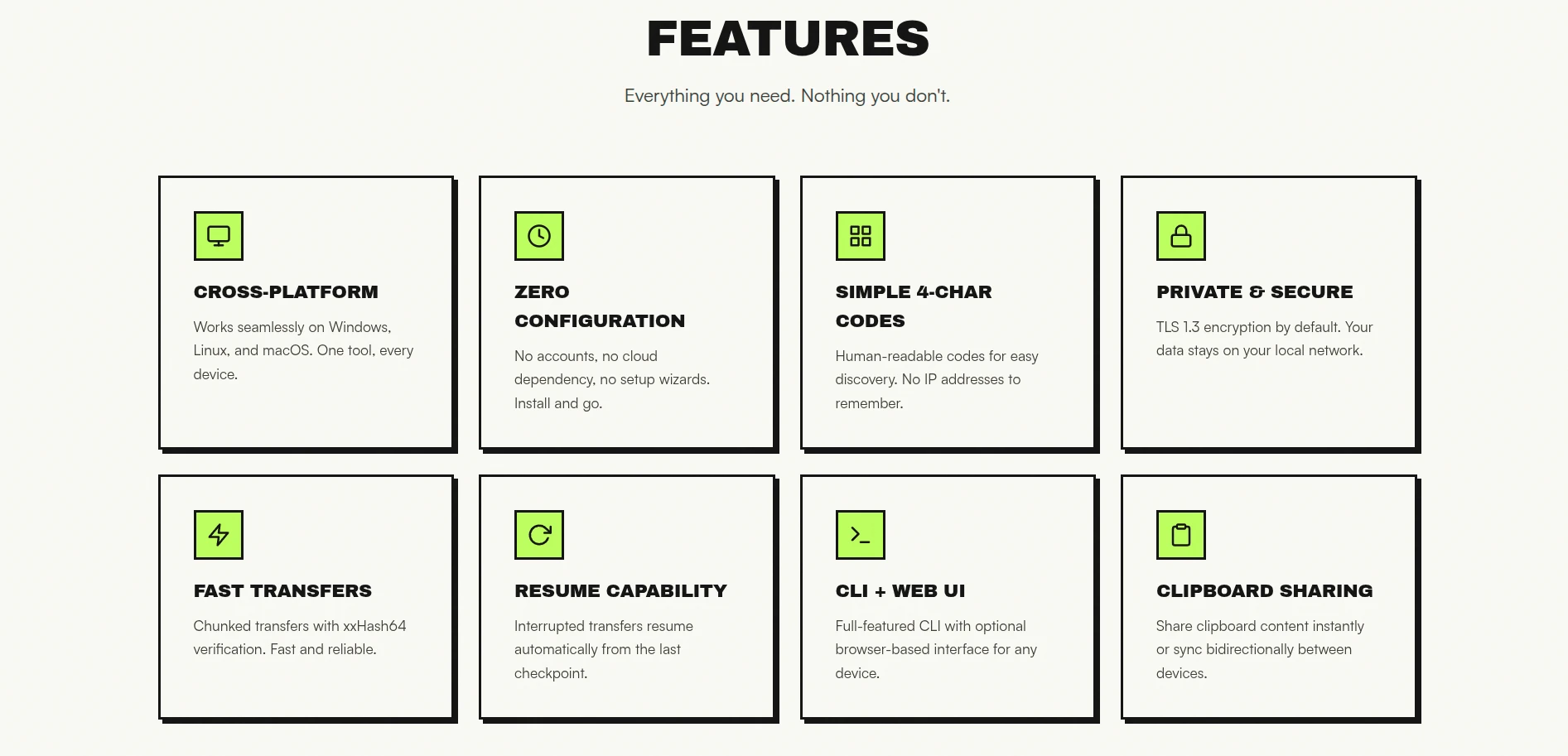
Features grid showing 8 core capabilities
Cross-platform and zero configuration feature cards
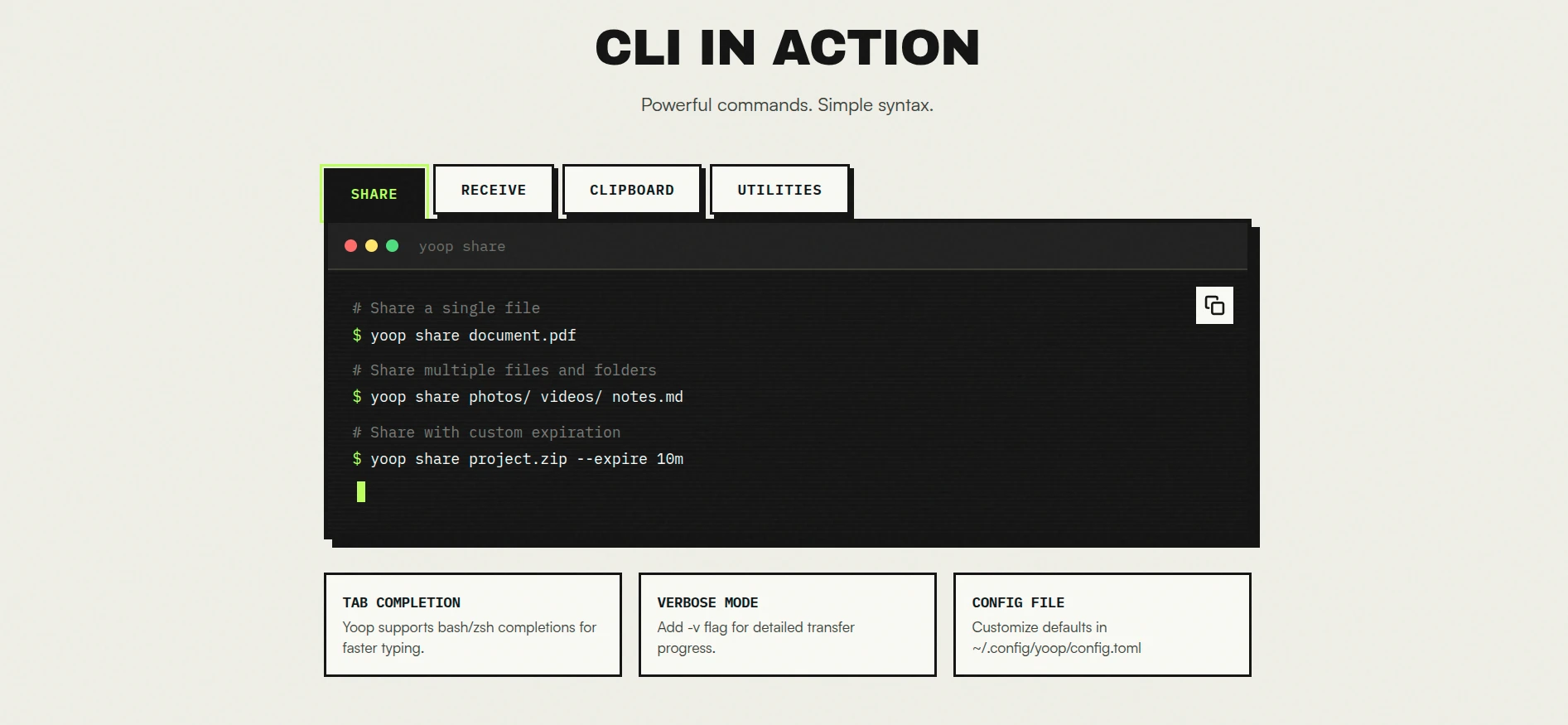
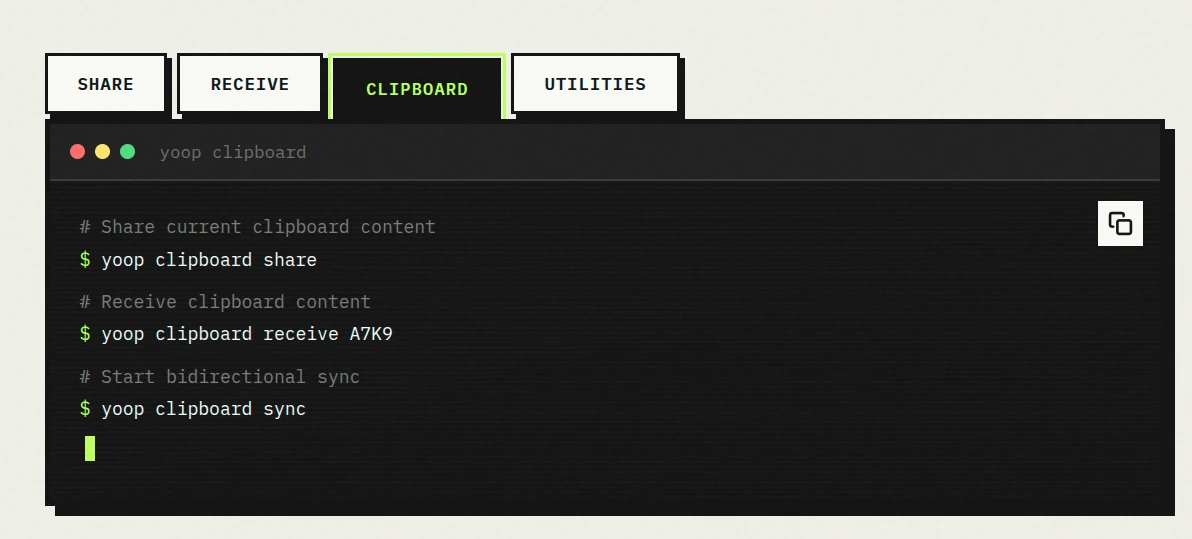
CLI in Action section with tabbed terminal interface
Share, Receive, Clipboard command demonstrations
Built in the Open GitHub section with lime green accent
MIT and Apache dual license badges
Yoop footer with social links and branding
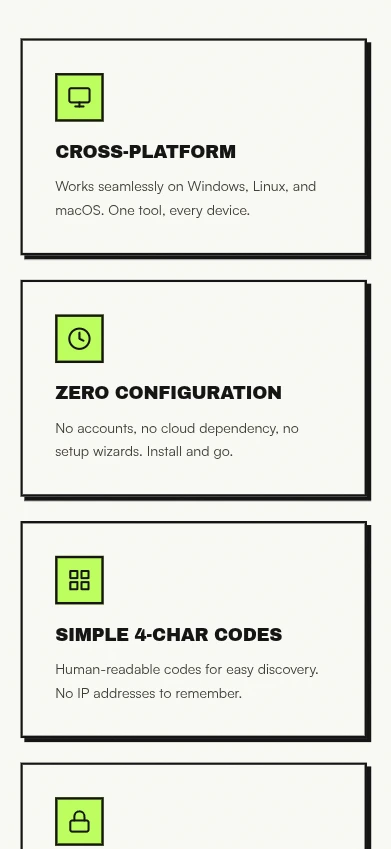
Mobile responsive view of Yoop landing page
Yoop hero section with bold typography and package manager tabs
Interactive npm, pnpm, yarn, bun installation tabs
How It Works three-step diagram - Share, Discover, Transfer
Terminal mockup showing Yoop share command with 4-character code
Features grid showing 8 core capabilities
Cross-platform and zero configuration feature cards
CLI in Action section with tabbed terminal interface
Share, Receive, Clipboard command demonstrations
Built in the Open GitHub section with lime green accent
MIT and Apache dual license badges
Yoop footer with social links and branding
Mobile responsive view of Yoop landing page
Yoop hero section with bold typography and package manager tabs
Interactive npm, pnpm, yarn, bun installation tabs
How It Works three-step diagram - Share, Discover, Transfer
Terminal mockup showing Yoop share command with 4-character code
Features grid showing 8 core capabilities
Cross-platform and zero configuration feature cards
CLI in Action section with tabbed terminal interface
Share, Receive, Clipboard command demonstrations
Built in the Open GitHub section with lime green accent
MIT and Apache dual license badges
Yoop footer with social links and branding
Mobile responsive view of Yoop landing page
Yoop hero section with bold typography and package manager tabs
Interactive npm, pnpm, yarn, bun installation tabs
How It Works three-step diagram - Share, Discover, Transfer
Terminal mockup showing Yoop share command with 4-character code
Features grid showing 8 core capabilities
Cross-platform and zero configuration feature cards
CLI in Action section with tabbed terminal interface
Share, Receive, Clipboard command demonstrations
Built in the Open GitHub section with lime green accent
MIT and Apache dual license badges
Yoop footer with social links and branding
Mobile responsive view of Yoop landing page
Yoop hero section with bold typography and package manager tabs
Interactive npm, pnpm, yarn, bun installation tabs
How It Works three-step diagram - Share, Discover, Transfer
Terminal mockup showing Yoop share command with 4-character code
Features grid showing 8 core capabilities
Cross-platform and zero configuration feature cards
CLI in Action section with tabbed terminal interface
Share, Receive, Clipboard command demonstrations
Built in the Open GitHub section with lime green accent
MIT and Apache dual license badges
Yoop footer with social links and branding
Mobile responsive view of Yoop landing page
Yoop hero section with bold typography and package manager tabs
Interactive npm, pnpm, yarn, bun installation tabs
How It Works three-step diagram - Share, Discover, Transfer
Terminal mockup showing Yoop share command with 4-character code
Features grid showing 8 core capabilities
Cross-platform and zero configuration feature cards
CLI in Action section with tabbed terminal interface
Share, Receive, Clipboard command demonstrations
Built in the Open GitHub section with lime green accent
MIT and Apache dual license badges
Yoop footer with social links and branding
Mobile responsive view of Yoop landing page
Yoop hero section with bold typography and package manager tabs
Interactive npm, pnpm, yarn, bun installation tabs
How It Works three-step diagram - Share, Discover, Transfer
Terminal mockup showing Yoop share command with 4-character code
Features grid showing 8 core capabilities
Cross-platform and zero configuration feature cards
CLI in Action section with tabbed terminal interface
Share, Receive, Clipboard command demonstrations
Built in the Open GitHub section with lime green accent
MIT and Apache dual license badges
Yoop footer with social links and branding
Mobile responsive view of Yoop landing page
Yoop hero section with bold typography and package manager tabs
Interactive npm, pnpm, yarn, bun installation tabs
How It Works three-step diagram - Share, Discover, Transfer
Terminal mockup showing Yoop share command with 4-character code
Features grid showing 8 core capabilities
Cross-platform and zero configuration feature cards
CLI in Action section with tabbed terminal interface
Share, Receive, Clipboard command demonstrations
Built in the Open GitHub section with lime green accent
MIT and Apache dual license badges
Yoop footer with social links and branding
Mobile responsive view of Yoop landing page

Key Learnings & Insights

Great work isn't just about what goes right — it's about how we respond when challenges arise. Here's what we learned and how we adapted to deliver exceptional results.

Terminal UI mockup showing Yoop CLI commands with lime green accents

Developer tools require visual language that feels native to the technical audience without alienating newcomers.

We designed terminal-style UI mockups and code blocks with syntax highlighting that feel authentic to developers, while using progressive disclosure and clear visual hierarchy to guide less technical users through the 3-step workflow

Results That Speak for Themselves

Real impact. Measurable outcomes. Here's the quantifiable difference this digital transformation made for our client's business.

8
Feature Cards Designed
4
Package Manager Integrations
3-Step
User Flow Visualization

Client Testimonials

Don't just take our word for it. Hear directly from our clients about their experience working with Eravue and the transformative impact on their business.

Yoop Project Maintainers

"Eravue transformed our CLI tool into a website that actually converts visitors. The terminal mockups feel authentic to developers, the lime-green identity makes us instantly recognizable, and the 'Built in the Open' section has driven meaningful GitHub engagement. They understood that a developer tool website needs to balance technical credibility with accessibility — and they nailed it."

Before & After Transformation

From frustrating to fantastic. Witness the dramatic improvement in user experience through authentic client feedback collected before and after our digital transformation.

Visual Identity

"Generic developer tool pages with default GitHub styling and minimal visual identity that blend into the sea of CLI projects."

2/5 Stars

Swipe left or right to navigate